

Microsoft Copilot
Enterprise AI for Australian Organisations
Microsoft Copilot represents one of the most significant AI integrations in enterprise software history. This comprehensive guide examines Copilot's capabilities, security considerations, and deployment implications for Northern Territory organisations, informed by findings from the Australian Government's 2024 trial across 56 federal agencies.
What is Microsoft Copilot?
Microsoft Copilot is an AI-powered assistant embedded directly within the Microsoft 365 suite of applications. Unlike standalone AI tools such as ChatGPT or Claude that you access through a separate website, Copilot works inside the applications you already use daily: Word, Excel, PowerPoint, Outlook, and Teams.
Think of Copilot as having an intelligent colleague sitting beside you who can summarise long documents, draft emails based on brief instructions, create presentations from your notes, analyse spreadsheet data, and provide meeting summaries. The key difference from other AI tools is that Copilot can access and understand your organisation's own documents, emails, and data when configured for enterprise use.
Core Capabilities
Copilot's primary functions include content generation (drafting documents, emails, and presentations), summarisation (providing overviews of meetings, documents, and email threads), task management (suggesting follow-up actions from meetings), and data analysis (creating formulas, analysing datasets, and producing visualisations).
Microsoft launched Copilot for Microsoft 365 in November 2023, and the technology continues to evolve rapidly. Understanding both its capabilities and limitations is essential for any organisation considering adoption.
Microsoft's Strategic Advantage
Microsoft holds a unique position in the enterprise AI market that no competitor can easily replicate. The vast majority of Australian Government agencies and businesses already operate within the Microsoft ecosystem, using Outlook for email, Teams for communication, SharePoint for document storage, and the Office suite for daily work.
Important Consideration
This strategic advantage is a double-edged sword. The deep integration that makes Copilot powerful also creates significant security considerations. Poor data governance or SharePoint permission management can be amplified by Copilot, making previously obscure documents easily discoverable. We explore these risks in detail in subsequent sections.
Australian Government Trial at a Glance
The Digital Transformation Agency coordinated a six-month trial of Microsoft 365 Copilot from January to June 2024. These findings provide valuable insights for any Australian organisation considering Copilot adoption.
Training Makes the Difference
Participants who received three or more forms of training reported 75% confidence in using Copilot, compared to just 47% for those who received only one form of training. This 28 percentage point difference highlights the critical importance of comprehensive capability building.
Try Microsoft Copilot
The free version uses web-based AI without access to organisational data. Enterprise licensing required for M365 integration.
Security Notice
Microsoft has acknowledged that agentic AI features can introduce security risks including data exfiltration and malware installation through prompt injection attacks.
Read Security AnalysisRemember Clippy?
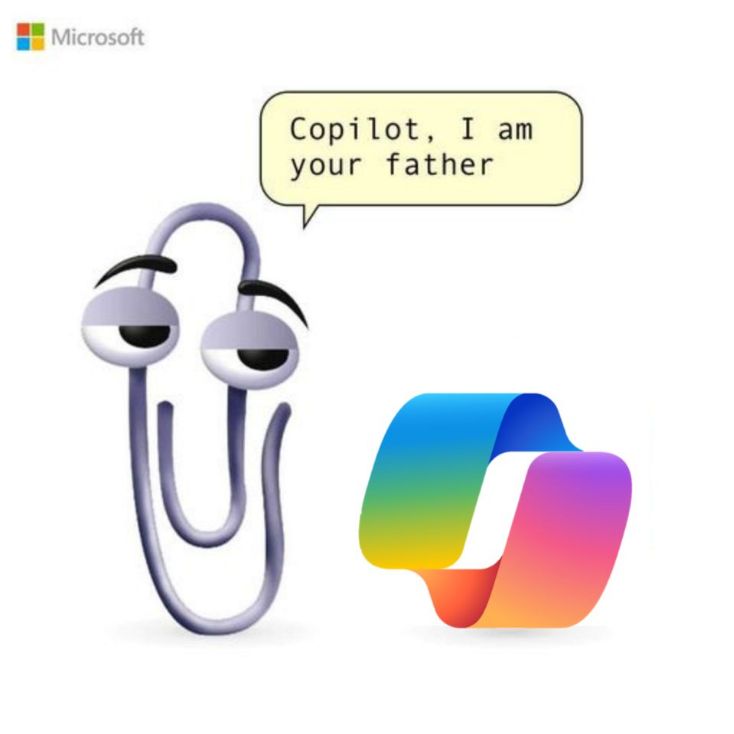
Microsoft's new animated assistant "Mico" channels some Clippy energy. The more things change...
Official Resources
Microsoft Learn: Copilot Microsoft 365 Roadmap DTA: Government Trial ISM (cyber.gov.au)NT Context
Northern Territory organisations can leverage the Australian Government's trial findings and established procurement pathways. The NT Government's AI Framework should guide departmental adoption decisions.